The World
Every HoloMUSH server starts with a setting — a starter world that gives the game its geography, theme, and landing page. Think of it as the seed that grows into whatever the community builds.
The Crossroads
Out of the box, HoloMUSH runs The Crossroads.
The doors opened without warning. Rifts between realities tore through a thousand worlds, and now the Crossroads stands at the center — a city of impossible architecture where displaced travelers, exiled gods, and stranded explorers make new lives in the spaces between what was and what might be.
That's the hook, and it's intentionally broad. A starship captain, a medieval knight, a modern detective, a sentient fungus — they all have a reason to be here. The rifts brought them. The Crossroads keeps them. Any character concept works, which means you don't have to study lore before you can play.
Where You Start
New characters arrive at The Nexus — a circular plaza beneath a sky full of drifting world-fragments. Doorways ring the perimeter, some stable, some flickering. Everything converges here.
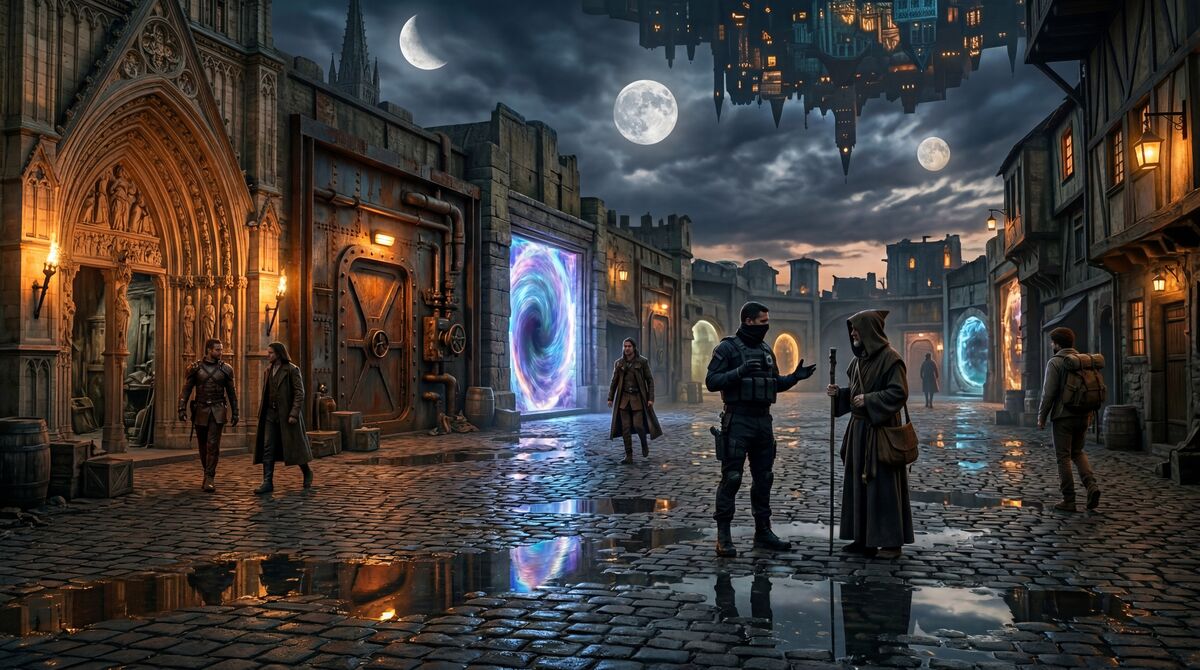
From the Nexus you can walk to:
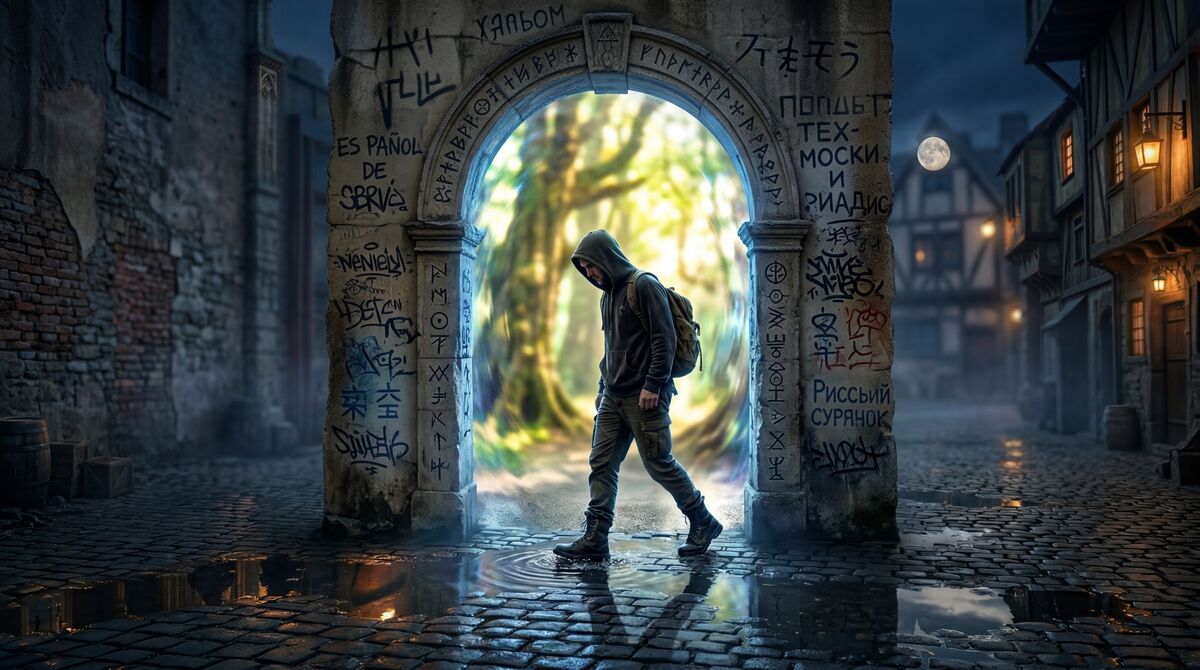
The Threshold — the arrival point, where newcomers step through the rift for the first time. The arch is covered in graffiti in a dozen languages. Nobody cleans it off. It's tradition by now.
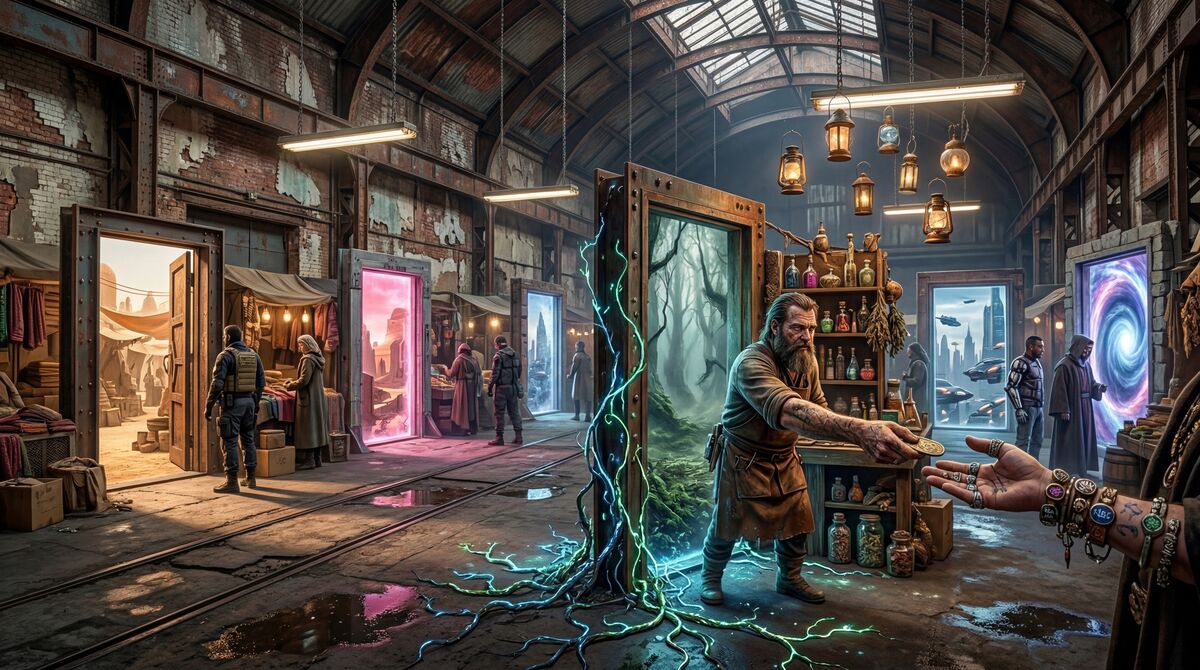
The Doors Market — a repurposed warehouse full of freestanding doorways, each one a portal to a different world's bazaar. Vendors reach across thresholds to haggle. The fluorescent lights mix with floating lanterns and bioluminescent vines creeping through from somewhere tropical.
These are just the starting locations. Builders expand the world from here — dig new rooms, link exits, write descriptions — all from inside the game.
The Landing Page
The text and features on the login page come from the Crossroads setting too. It's stored in the database, so operators can change it without editing code.
Starting From Scratch
Not every game wants the Crossroads. HoloMUSH also ships with a skeleton setting — a single empty room called "The Void" and nothing else. It's a blank canvas for operators who want to build their own world from the ground up.
The operator picks the setting with the --setting flag on first boot. After
that, the world lives in the database and the setting plugin doesn't run again.
What a Setting Seeds
When the server starts for the first time, the setting plugin creates:
- Locations — the starting geography
- Exits — connections between locations
- Landing page — hero text, pitch copy, feature cards
- Theme — colors and fonts for the web client
- MOTD — the welcome message when you enter the game
Everything it creates is editable afterward. Settings give you a starting point, not a cage.